

 Azərbaycanca
 Español
 Türkçe
 Русский
Available on the App Store and Google Play
Help your child learn, move and grow up healthy.
Puvita brings learning, movement and healthy habits together in one app. No ads, and parents stay in control.


- No ads
- Parent PIN
- Safe friends: filter, block, report

How it works
Three steps to a healthy day
Puvita helps turn screen time into time well spent: learn a little, move a little, and complete the tasks your parents set.
-

Learn
When learning is fun, kids come back to it on their own. In Puvita, every small step is visible and worth celebrating.
-

Move and stay healthy
Not just sitting in front of a screen: get up and move. Puvita combines learning with movement and healthy habits.
-

Grow with family
Parents set tasks, children complete them and earn rewards. Parents see their child's progress in reports.
For parents
Safety and control stay with you
The key rules to know before you hand Puvita to your child.
-
No ads
The app shows no advertising. Your child's attention is on learning and play, not on ads.
-
Safe friendships
A child adds a friend with a 6-digit code, from a public profile in the rankings or from a game result, and the other child accepts the request. Game invitations and ready-made messages are always open; writing in their own words needs your permission. Every message is checked by a safety filter, your child can block and report, and you can switch friends off with your PIN.
-
Parent approval and PIN
The parent zone is protected by a PIN. Decisions there are made by the parent, not the child.
-
Parents stay in control of purchases
A parent buys in the parent zone, with the PIN and within a monthly limit. A child can buy Gem packs in the Gem shop; the payment is confirmed only in Apple's or Google's own purchase window. This is on by default, and a parent can switch it off with the PIN (“Child can buy Gems”). Chest odds are always shown.
More: Privacy Policy · Delete account
For schools & courses
Your centre's daily work and parent communication, all in one place
Schools and courses work with students and parents in the Puvita app and the centre portal. Puvita checks every centre before it can work with children, and a child joins only with a parent's approval.

-
Classes and teachers
Create classes with a join code and invite teachers with an invitation code.
-
Homework and grades
Set homework for a class and grade the work students send in from the app.
-
Exams
Build exams with your own questions and send students their results.
-
Timetable and attendance
Keep the class timetable and mark attendance. Parents can see the marks.
-
Messages and news
Write to students and parents and post news for a class. Every message is checked by a safety filter.
Register your centre in the Puvita app (“I am a centre”), or email us and we'll help you start.
Inside the app
Puvita at a glance
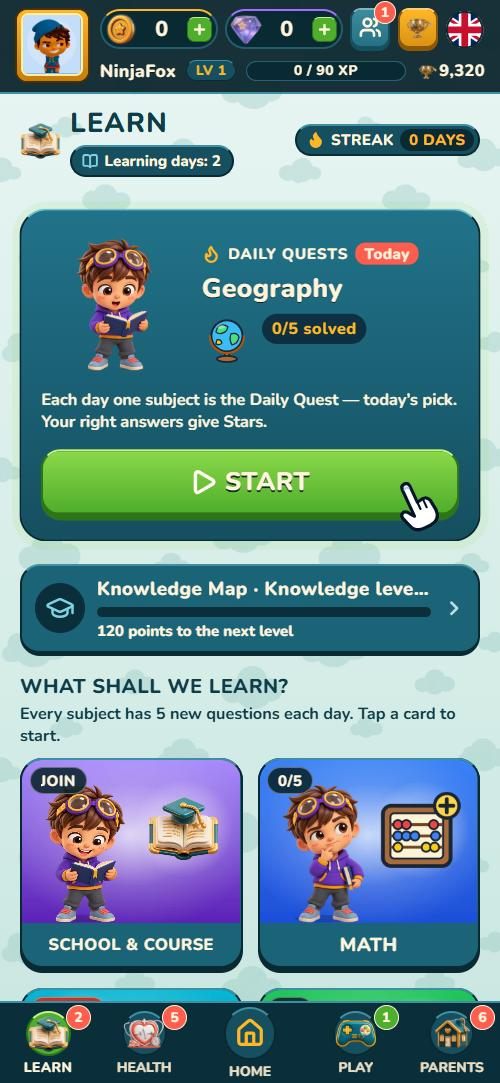
LearningLessons and progress 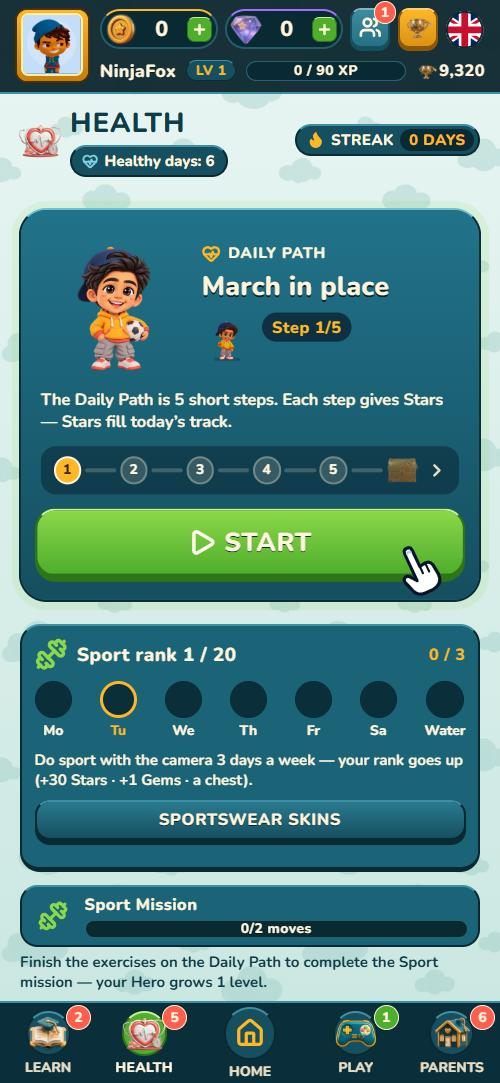
MovementAn active, healthy day 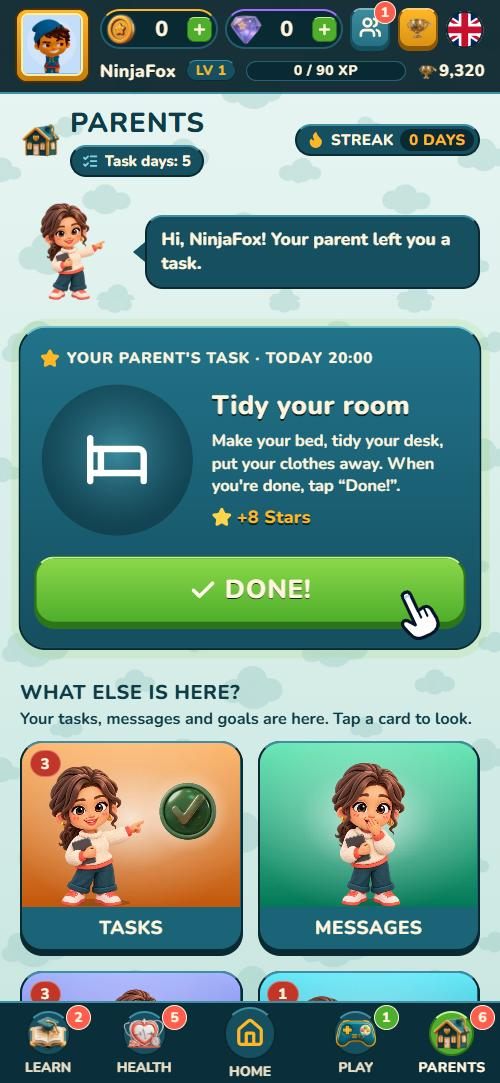
TasksTasks from parents and rewards 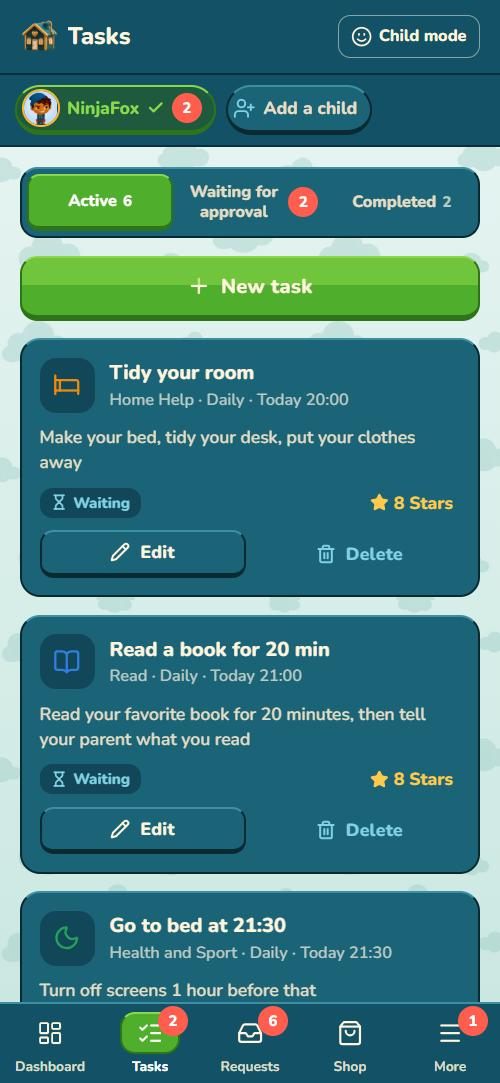
Parent zoneProtected by a PIN

What is Puvita?
Puvita is an app for children aged 6–17 and their parents: tasks from parents, healthy habits, quizzes, games and weekly leagues, with tools for schools and courses.
What age is it for?
Puvita is designed for children aged 6–17. A parent creates the child's profile, or a child starts as a guest and connects a parent later with a code. A guest can add friends and send ready-made messages, but cannot write to friends in their own words until a parent connects.
Where can I get the app?
Puvita is available on the App Store and Google Play. Use the buttons at the top of this page.
Are there ads in the app?
No. Puvita does not show ads.
Can my child message other children?
Only with friends. A friend is added with a 6-digit code, from a public profile in the rankings or from a game result, and the other child accepts the request; you can switch friends off. Game invitations and ready-made messages need no permission; writing in their own words is possible only if you allow it. Parents do not read friends' messages, but they are told if the safety filter blocks one. Every message is checked, so phone numbers, addresses, links and rude words are not sent. In leagues and online games other players see only a nickname, character, level and points (a public profile in the rankings also shows Gold, Gems, Trophies and game stats), and only ready-made reactions can be sent.
What is the parent PIN for?
The PIN protects the parent zone. Settings, the parent's purchases and account decisions are handled there, so a child cannot get in without the PIN.
Can my child buy things in the app?
Only Gem packs, in the app's Gem shop. The payment is confirmed only in Apple's or Google's own purchase window, under the store's rules and your phone's family settings; the Puvita PIN is not asked for these purchases. This is on by default, also for a guest. You can switch it off in the parent zone with the PIN (“Child can buy Gems”); your child then still sees the packs and prices but can only send you a request. Only five Gem packs are sold for real money, there are no subscriptions, and chest odds are always shown before Gems are spent.
Does the app use the camera or sensors?
The camera is used only to count exercise movements: the image is analysed on the phone, is not stored and is not sent anywhere. A parent can switch this feature off.
Steps and jumps are counted on the phone; motion sensor data is not stored or sent. Movement minutes, water and sleep entries are kept for the parent's report.
How can our school or course join?
Register your centre in the Puvita app (“I am a centre”) or use the “Join as a centre” button to email us. Puvita checks the centre before it can work with children.
How do I delete an account?
Parent, child, guest and centre staff accounts can be deleted in the app or by e-mail. A child account can be restored by the parent within 30 days; a guest account is deleted immediately. See the steps on the Delete account page.
Does this website track me?
No. This site (puvita.io) has no analytics, no cookies and no tracking scripts. Fonts and images are served only from our own server. Only the pages for schools and course centers (puvita.io/centers/ and the web portal center.puvita.io) use the Meta Pixel to measure our advertising to centers — see section 3.10 of the Privacy Policy.